
This change
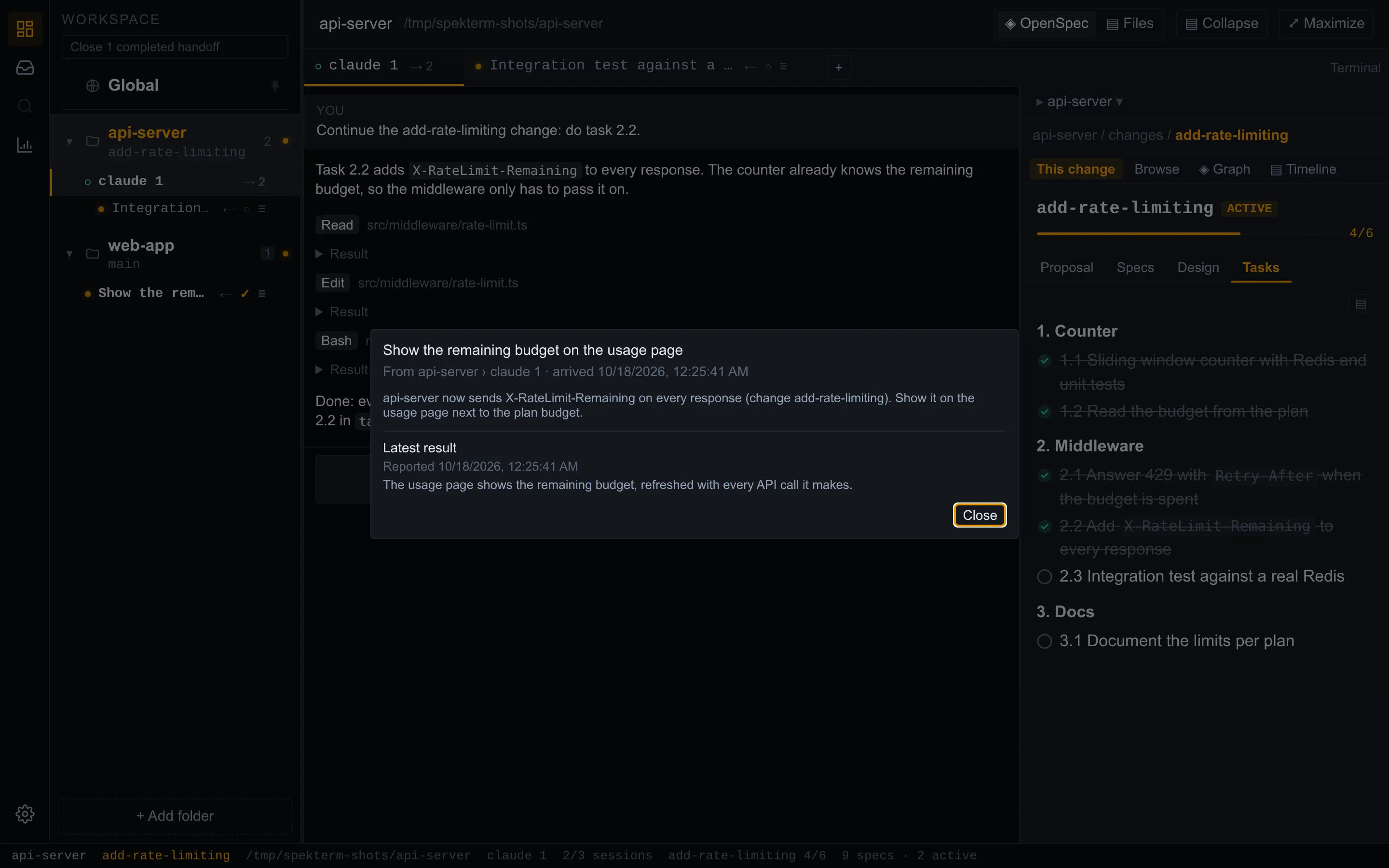
The change’s proposal, design, tasks, and specs as tabs, with task progress. It follows the session you are looking at.

Builds are available for Linux (x86_64) and for macOS on Apple Silicon. Windows and Intel Macs are not supported yet. Early and actively developed — expect rough edges.
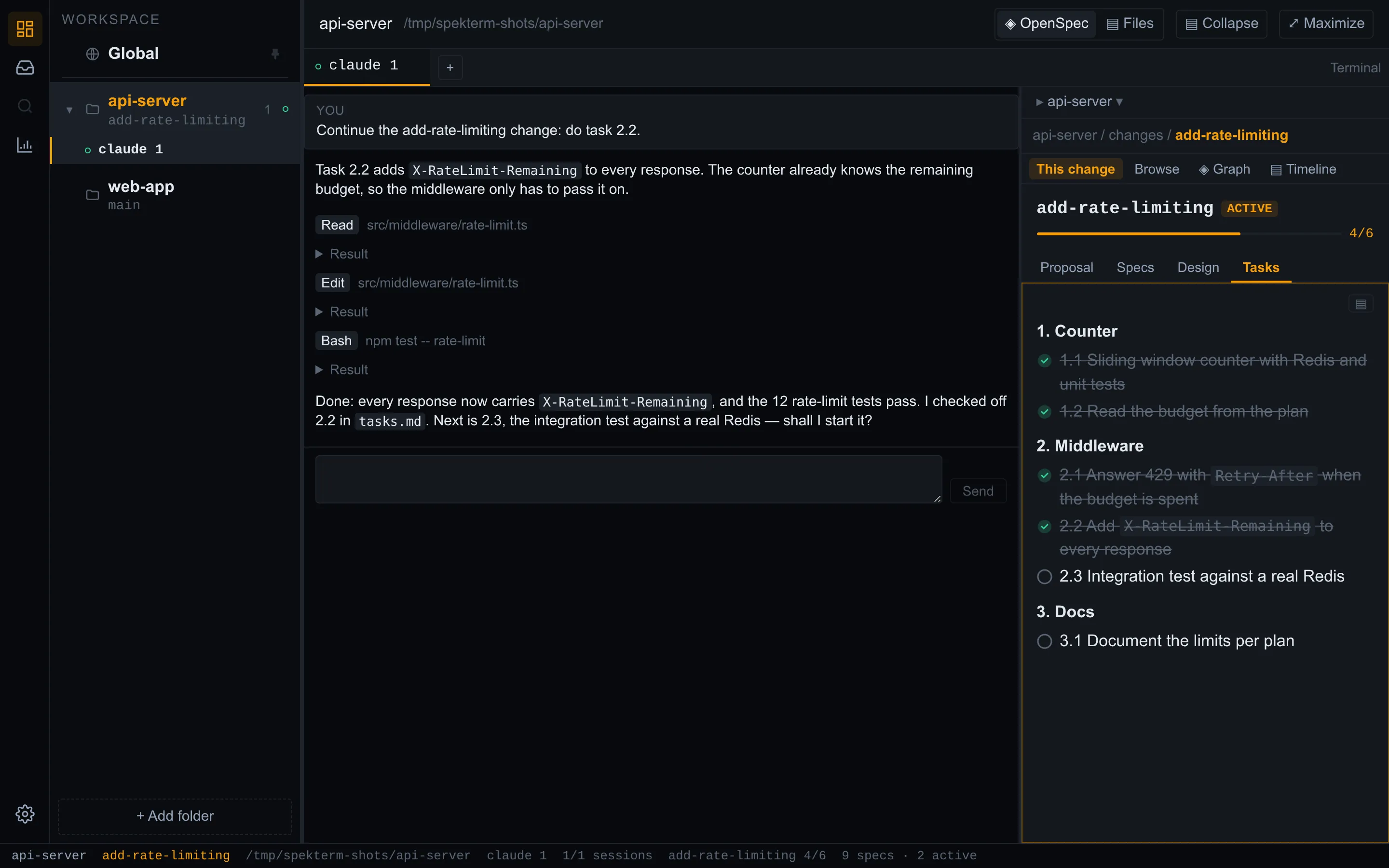
Running agents across several repositories usually means a stack of terminal tabs, plus an editor you switch to just to read the spec. spekterm puts each repository’s sessions in one window and keeps the spec where you can see it: the side panel understands OpenSpec, so it shows the change the agent is working on and follows along as the agent writes to disk.
This change
The change’s proposal, design, tasks, and specs as tabs, with task progress. It follows the session you are looking at.
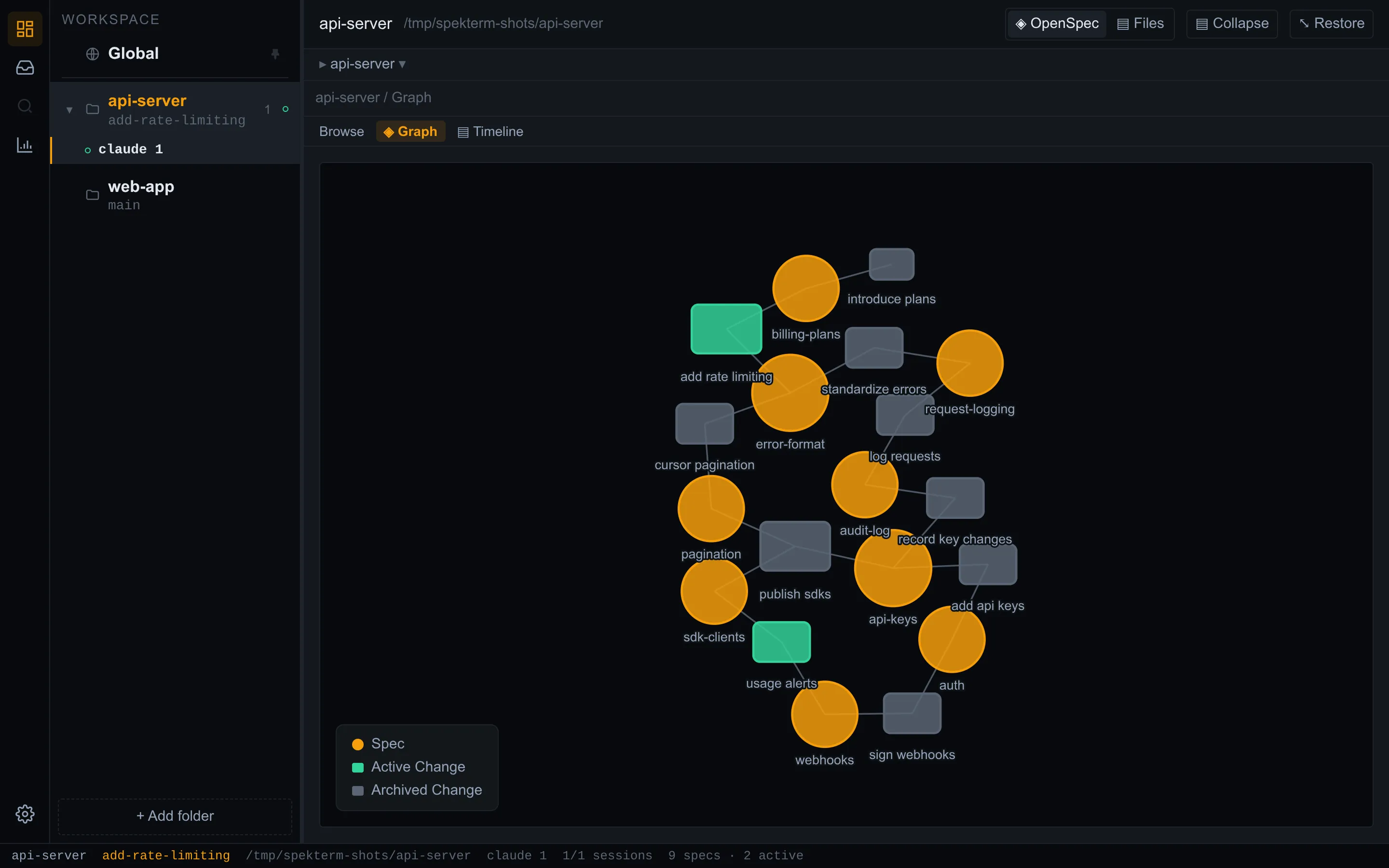
Browse, Graph, Timeline
Every spec and change in the repository, how they relate, and when each change moved.
Worktrees included
Changes in the repository’s git worktrees appear alongside the main checkout’s.
Continue in one click
Hand the next artifact to the agent with OpenSpec’s continue command, from the change itself.
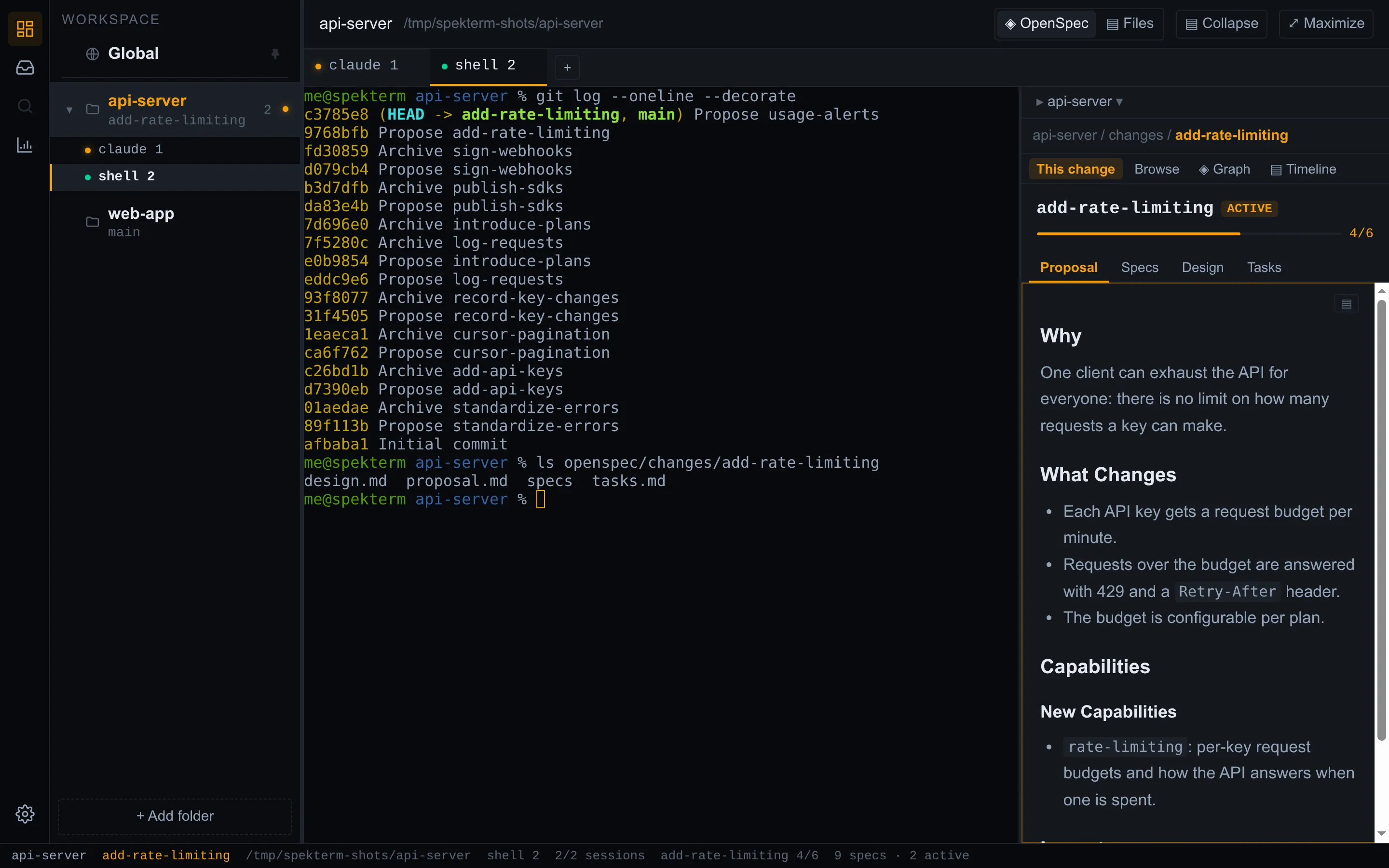
claude and your login shell in real ptys, several per repository, git
worktrees included.claude sessions resume their conversation; shells come back with the
previous screen replayed, in their last directory (on macOS, in their folder).Switch an agent session to the conversation view to read the exchange as messages and tool calls. It is built from the agent’s own transcript and hooks — spekterm never scrapes the screen — and the terminal is always one click away.
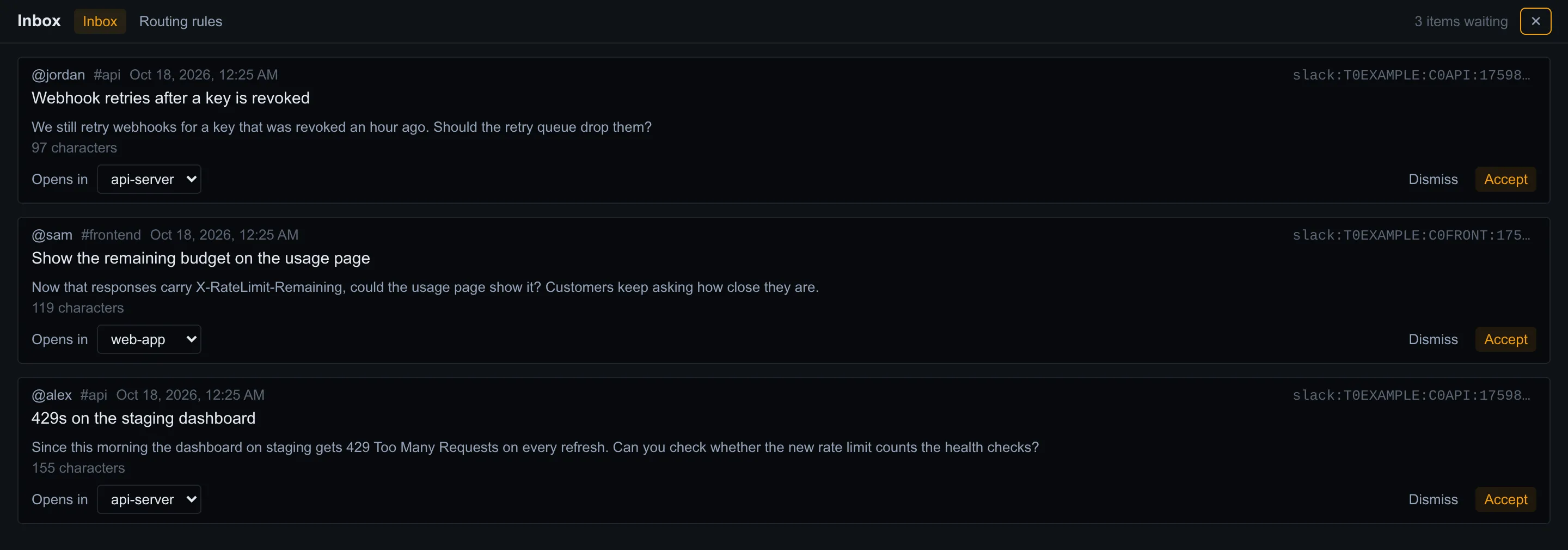
spekterm is a desktop app: your repositories, sessions, and settings stay on your machine. It has no
account, no telemetry, and no update check. The programs it starts for you — the claude CLI and the
openspec CLI — make their own connections; Data and network lists
exactly what connects where. spekterm is MIT-licensed, and its source is on
GitHub.


spek is spekterm’s sibling project: an open-source, read-only viewer for OpenSpec content, from the same maintainers — in your browser, in VS Code, in a JetBrains IDE, or as a static page your CI builds. spekterm’s side panel stands on spek’s work:
@spekjs/core.@spekjs/ui package.The side panel itself is spekterm’s own, made for a narrow column next to a terminal. Use spek to read specs where you already work; use spekterm when you drive agents across repositories and want the spec beside them. They read the same files, and neither needs the other.
From the latest GitHub release: an AppImage for Linux, a .dmg for Macs with Apple Silicon.